
Power BI
Excel vs Power BI: When to Move Your Reporting
This question is not whether Excel or Power BI is better, it is knowing the point at which a particular report has outgrown the workbook, and what to do when it has.

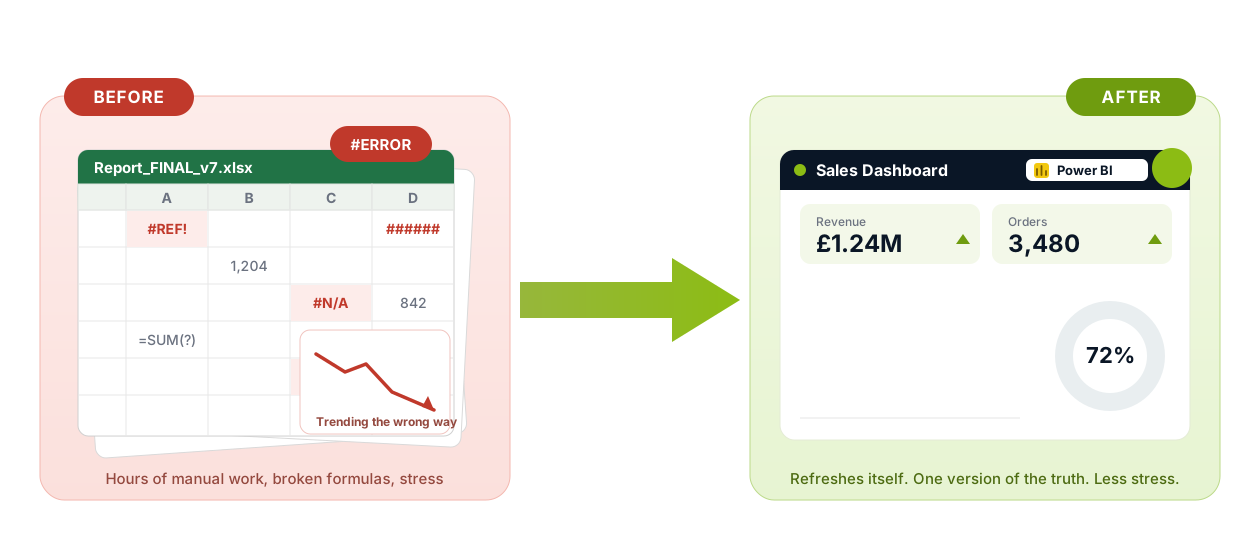
Excel is the tool most teams reach for first, and for good reason. It is quick, everyone has it, and you can build a useful report in an afternoon without asking anyone's permission. Most of the reporting I see in businesses started life in a spreadsheet and a lot of it should stay there. The useful question is not whether Excel or Power BI is better, it is knowing the point at which a particular report has outgrown the workbook, and what to do when it has.
Where Excel Is Still the Right Tool
For quick, one-off analysis, nothing beats a spreadsheet. If you need to pull a list apart, work out a few totals, model a rough scenario or hand a colleague something they can edit in seconds, Excel is exactly the right choice. The skills that make that fast, such as selecting and totalling cells efficiently, are worth having and are not wasted when you move on. A good Power BI report is usually built by people who already think clearly in a spreadsheet.
The trouble only starts when a report stops being a one-off and quietly becomes a routine.
The Signs Your Reporting Has Outgrown the Workbook
You rarely make a decision to graduate from Excel, it creeps up on you. A few signs tend to show up together.
The same report is rebuilt by hand every week, or every month, and it takes longer each time. Several people now edit the same numbers, so you are never quite sure which copy is the correct one. The file has grown large enough to open slowly and crash occasionally. A figure is right in one workbook and wrong in another, and no one can say why. More of your week goes on copying, pasting and reconciling than on actually reading what the numbers are telling you.
None of these mean you did anything wrong. They are simply the signs that a report has become important enough to deserve a sturdier home.
What Changes When You Move to Power BI
The biggest change is that the manual work stops. Instead of rebuilding the report, you connect Power BI to the source of the data once, and the report refreshes on its own from then on. The running totals and summaries you used to select and recalculate by hand become measures that update as new data arrives.
The second change is trust. There is one version of each number rather than five slightly different ones, so a conversation about the figures stops being a conversation about whose spreadsheet is right. The third is that the report starts to bring your data to life: filters people can click, detail they can drill into and views on a phone as well as a laptop, without you emailing a new file every time someone asks a question.
You Do Not Have to Throw Excel Away
This is the part people worry about most and it is the easiest to answer. Moving your reporting to Power BI does not mean giving up Excel. The two work well together. You can keep analysing in Excel, connect Excel straight to a Power BI dataset so your workbook and your report share the same trusted numbers, and export back to a spreadsheet whenever someone genuinely needs one. In practice most teams end up using both, with Excel for exploring and Power BI for the reports that have to be right every time.
Where Microsoft Fabric Fits
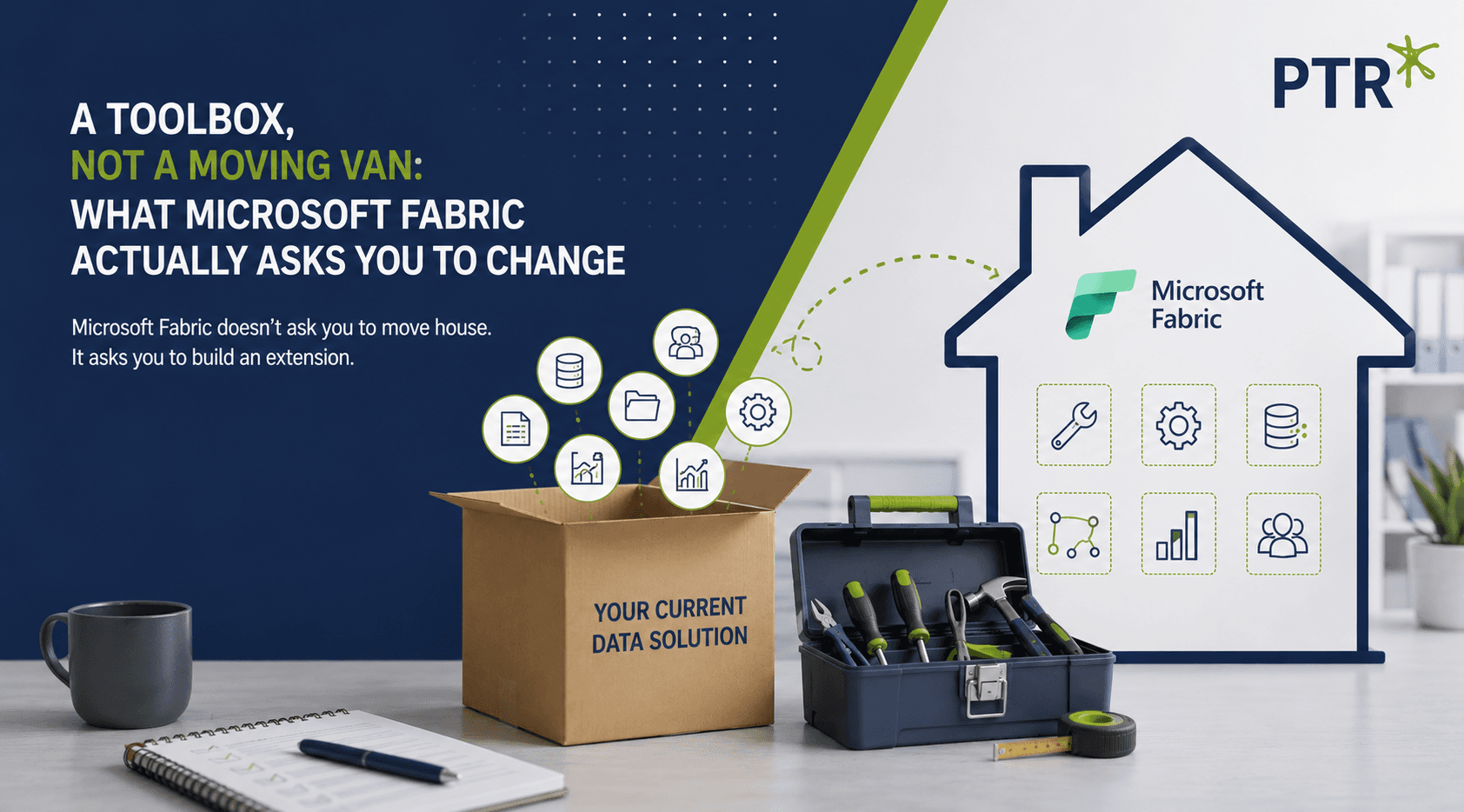
Power BI handles the reporting and the refresh. Microsoft Fabric sits underneath it and deals with the harder problem of bringing data together in the first place, when the numbers you need live across several systems rather than one tidy spreadsheet. You do not need Fabric to start with Power BI, and most teams should not begin there. It is worth knowing the name though because it is the step that comes after Power BI once the data itself, and not just the report, has outgrown being handled by hand.
Making the Move
If any of the signs above sounded familiar, the honest next step is not to rebuild everything at once. It is to pick the one report that costs you the most time each month and move that first. If you would like a straightforward way to gauge how ready your reporting is, our seven signs you need a Power BI health check is a good place to start, and when you are ready to turn those workbooks into reports that refresh on their own, our team can help you take your reporting on the Power BI journey.
Get in touch today or call us at 0118 979 4000
WD
Will Doward-Jones
Business Intelligence Consultant
Will specialises in Microsoft Fabric & Azure solutions, with a career built around one consistent thread: using data to drive better decisions.

Frequently Asked Questions
Couldn’t find the answer you were looking for? Feel free to reach out to us! Our team of experts is here to help.
Contact Us