Tech Tips
Written, Filed and Forgotten? Fixing Your Document Review Process with Power Platform Automation
Writing a policy is the easy part. Proving it was reviewed, approved and kept up to date means chasing inboxes. See how Power Platform automation, Teams and AI-assisted review build the audit trail as people work and show where every document stands.

Think of your compliance documents as a fire evacuation plan. Somebody wrote it, it was laminated, and it lives in a cupboard. Then an inspector turns up and asks when staff last read it, who signed it off and what has changed since the last version. Suddenly everyone is rummaging.
That is what audit preparation feels like for a lot of organisations. Policies are drafted in Word, filed in SharePoint, emailed round for comments and reviewed once a year. Keeping track of who has reviewed what becomes a job in itself, and when an audit approaches, days disappear into inboxes, meeting notes and version histories, trying to prove that it all happened.
At PTR we have built a Power Platform based process automation solution for our own internal document management, using Microsoft 365 and AI. We build similar frameworks for clients, shaped around each organisation's own processes, so we can talk about what is possible from experience rather than theory. It relies on tools many organisations already own.
Start with your people, not a blank page
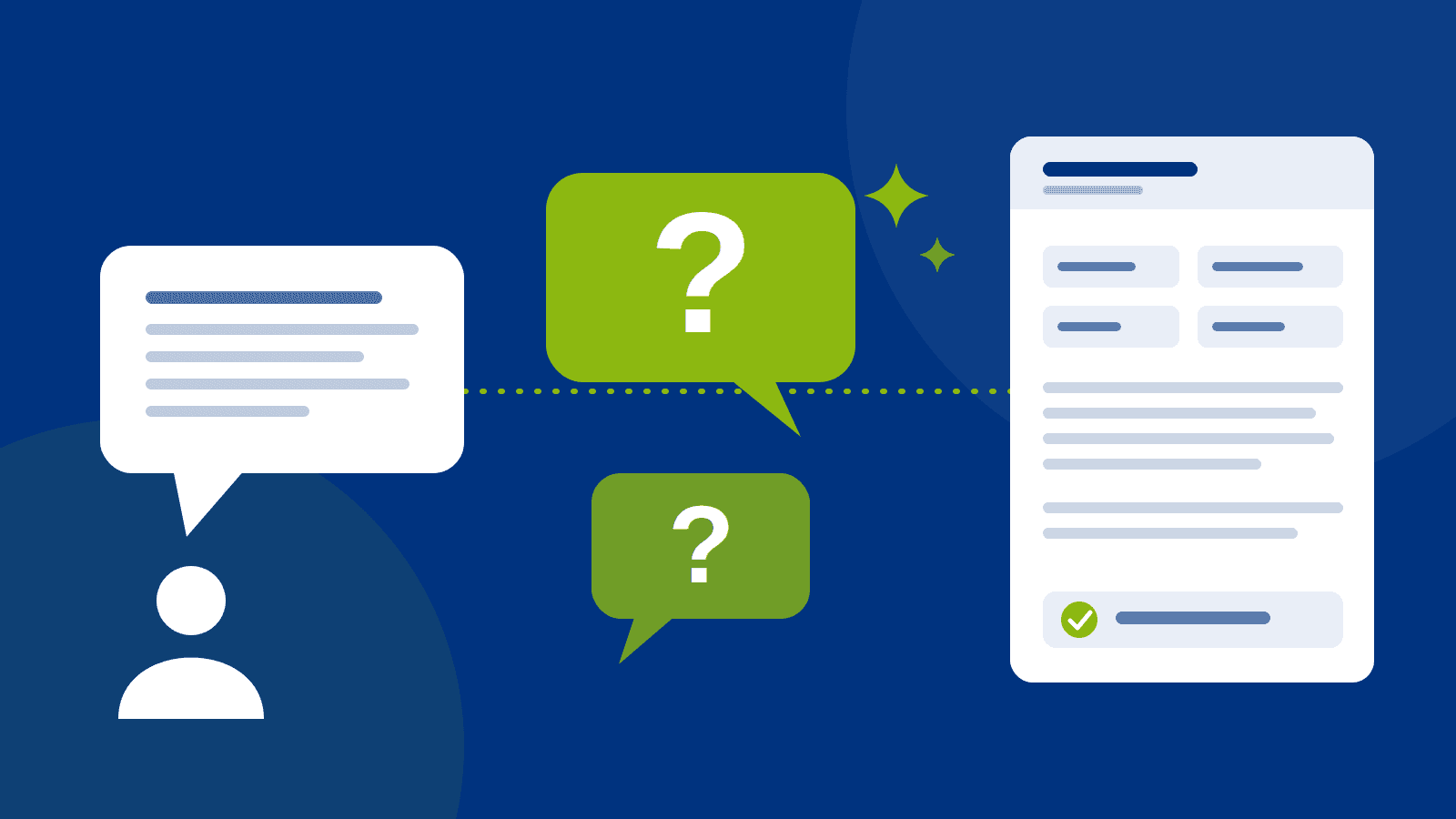
Most teams have tried asking AI to write a policy from scratch. The result is usually generic, because the AI knows nothing about how your organisation really works. We start with your people instead. The author describes the process in their own words, and the AI asks the obvious questions a new starter would ask: who does this, how often, and what happens when they are away? It then helps organise the answers into a structured document, using an approved corporate template so every policy looks and works the same way. Read our companion blog "The Obvious Questions Nobody Asks: Using AI to Write Better Procedures".
AI is a better reviewer than author
Drafting is only half the job. Once a document exists, AI can act like the examiner in a mock driving test. The examiner is not there to drive for you. They are there to show you where you would fail before the real thing. AI can do the same job for your documents.
Consider an organisation preparing for a certification such as ISO 27001. It is just one scenario where a framework like this can help, but it shows the problem well. Writing a set of information security policies is straightforward. Making sure they describe what the organisation really does is harder. A policy might say that information assets must be managed, but never say who looks after the asset register or how often it is reviewed. An AI-assisted review can spot that gap and ask the question while the author is still working, rather than leaving it for an auditor to find six months later.
It is a practice auditor, not the real one. It does not replace your internal audit or the certification body. Your people know how the business runs, AI helps get that knowledge into shape, and people review, correct and approve the result. It is the same principle we set out in our post on keeping humans in the loop.
Keep the receipts as you go
There are two ways to do a tax return. You can keep receipts in a folder all year, or you can tip a shoebox onto the kitchen table the night before the deadline. Audit evidence works the same way.
If review discussions happen in Teams, changes are logged in the document history and approvals go through an automated workflow, the audit trail builds itself as people do their jobs. Nobody has to reconstruct it afterwards. (Version history needs to be set up so it keeps what you need, which is one of the things we check at the start.)
A sat-nav view for management
Without a central view, finding out where a policy review has got to means phoning every driver to ask where they are. A Power BI dashboard turns that into a sat-nav: who owns each policy, what is waiting for review, what has been approved and where things are stuck. It is particularly useful when you are working towards a certification date.
What it looks like in practice
The flow we have built looks like this:
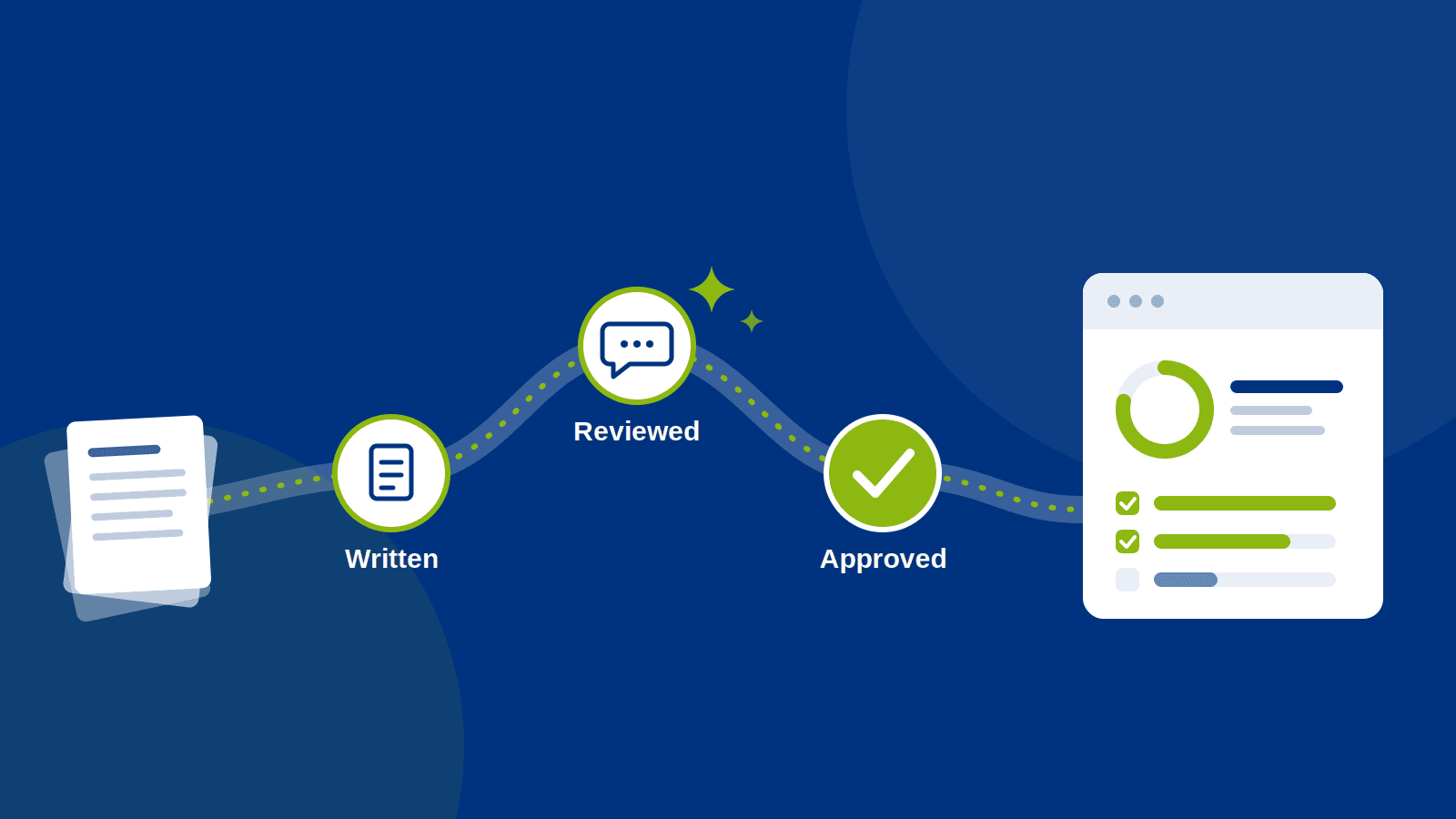
- A new or updated policy enters a structured review workflow in SharePoint.
- An AI-assisted review flags gaps, unclear wording and missing owners.
- Reviewers discuss changes in Teams, and the discussion is kept with the document.
- Approvals are routed automatically, with clear accountability.
- A dashboard shows progress to management.
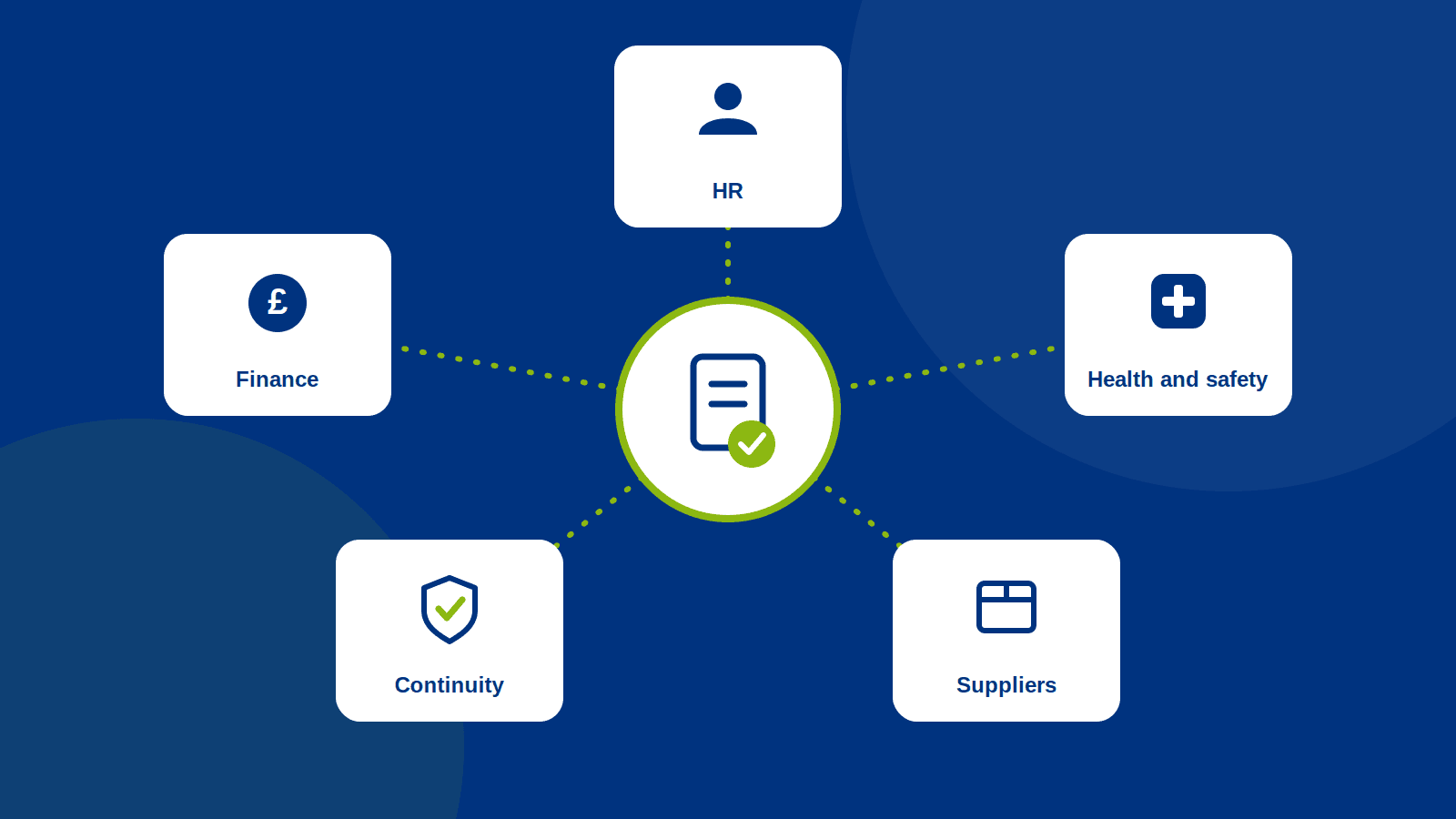
The same pattern applies well beyond information security. Quality documentation, HR policies, health and safety procedures, supplier due diligence and business continuity plans all need the same things: clear ownership, regular review and proof of approval. Read our companion article "Same Framework, Different Documents: Five Places Process Automation Earns Its Keep".
Work with what you have
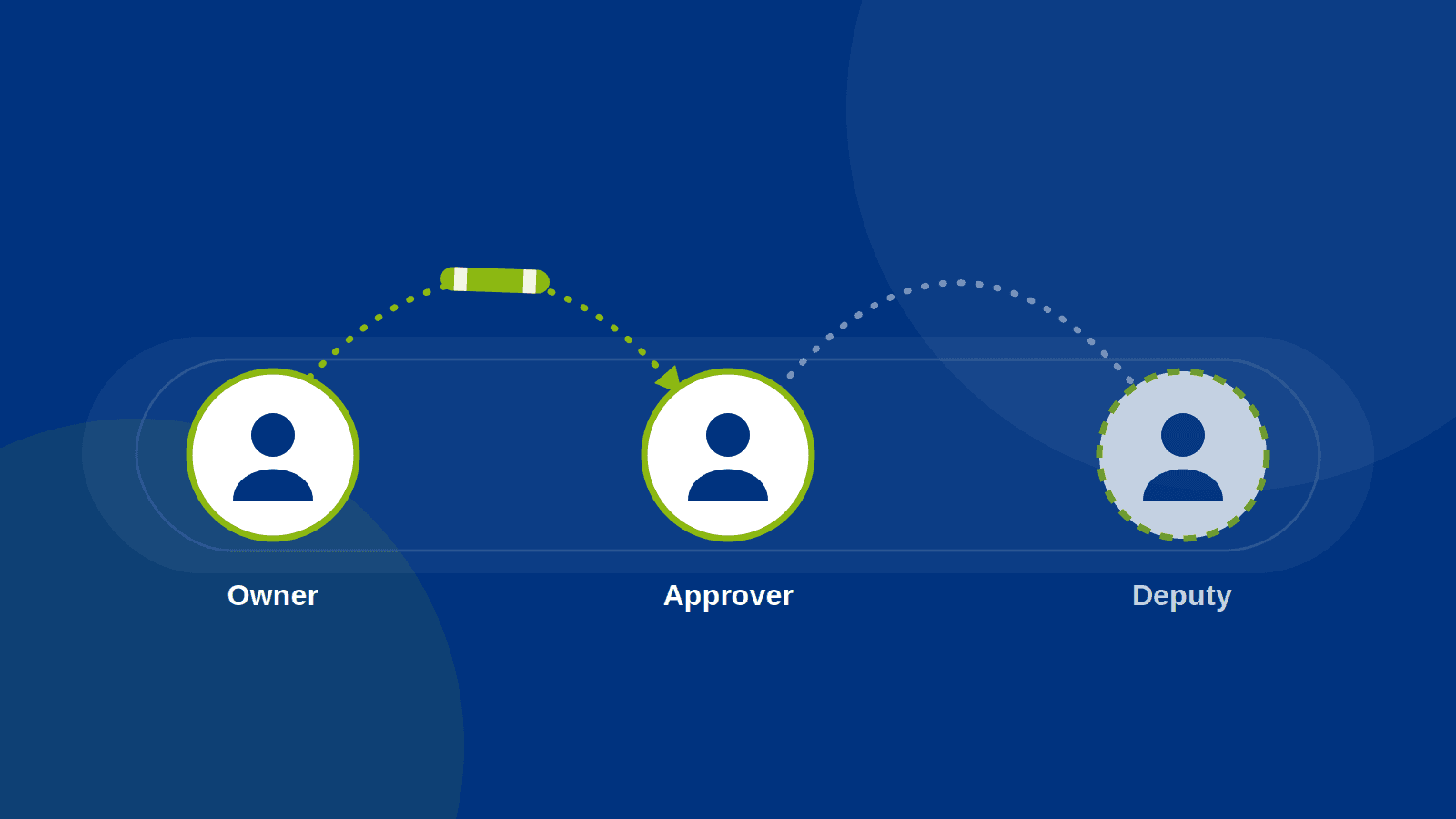
Most organisations already have SharePoint and Teams, and that is a good foundation. The automation, reporting and AI layers may need additional licences or Azure usage costs, so we look at that early rather than leaving it as a surprise. Security matters just as much. Who can see which documents, and what the AI is allowed to read, needs to be designed in from day one. Clear document ownership, approvers and deputies matter just as much. Read our companion blog "Who Is Holding the Baton? Getting Document Ownership Right Before You Automate".
The aim is not another system sitting in the corner. It is a solution that fits around the way your people already work, and which they will actually use.
Where PTR fits
PTR builds Power Platform based process automation solutions, and the framework described here is one we use in-house. We can build a similar framework for your organisation, shaped around your own documents, approvals and reporting. ISO is only one example of where it helps. The same approach suits any process that needs clear ownership, regular review and proof of approval. As a Microsoft Solutions Partner with over 35 years of experience in data and business technology, we can help you to:
- Look at how your documents are created, reviewed and approved today.
- Design and build a Power Platform framework for review, approvals, AI-assisted checks and reporting, with people signing off at every stage. You can read more about our process automation and AI consultancy and Power Platform expertise.
- Train and mentor your team so they can run and adapt the solution themselves.
If you would like to talk about what a similar approach could look like for your own documents, drop us a line at our enquiries page or join us on LinkedIn.
NS
Neil Skipper
Senior Business Intelligence Consultant
A talented business analyst and delivery lead, Neil has over 20 years of experience working with data analytics and business intelligence technologies and platforms.
Frequently Asked Questions
Couldn’t find the answer you were looking for? Feel free to reach out to us! Our team of experts is here to help.
Contact Us